WebTerm+ is a native web terminal — a full-speed shell that runs in any browser tab, with all the power of the terminal you know. Nothing for your users to install, and host credentials remain under your organization's control, never persisted on our infrastructure.
A native, full-speed shell your team opens in a browser tab — with the file handling, printing, and I/O you'd expect from a terminal on your own machine. Here's what comes with it.
Full terminal emulation over a real shell — tmux, vim, job control, 256-color and true-color, exactly as you'd expect locally.
Your users just open a URL. No agents, no browser plugins, no local setup — onboard a new person or machine in seconds.
Run several terminals together — a main session plus side sessions — and jump between saved connections from one sidebar.
Print a PDF from a remote session and it opens right in your browser tab — no local print drivers or pipeline to set up.
Files move both ways. When an app produces an Excel file or report, it downloads to your machine ready to open — and sending files up is just as simple.
Drag a local file straight onto the terminal and the session accepts it — no scp, no extra tooling, no friction.
Sign in through your own identity provider with SAML/OIDC single sign-on. No extra passwords to manage.
User-driven color coding per host and session, plus emulation settings admins can pre-configure for the whole team.
The same terminal from a single laptop to the whole enterprise — add hosts, users, and SSO as you grow.
Add a host, sign in with SSO, and you're at a live shell — with a session list, saved connections, and the colors and layout you choose.
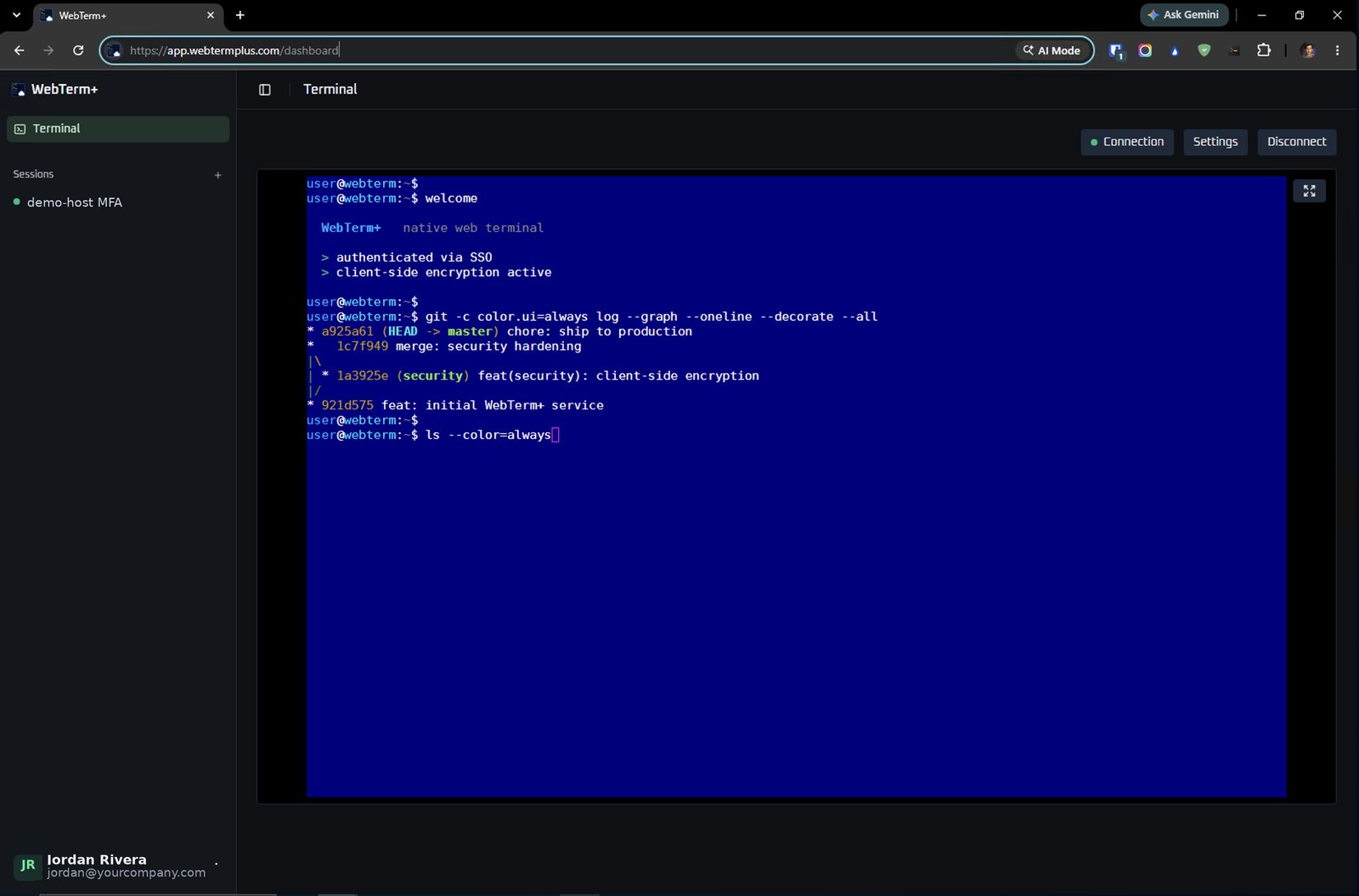
No client to distribute and nothing for your users to install.
Sign up for the plan that fits your team and get your workspace provisioned in minutes.
Add the hosts you need, or connect your identity provider so SSO populates your authenticated hosts automatically.
Configure your layouts, colors, mouse, and clipboard options — then connect and you're at a live shell.
WebTerm+ operates on client-side encryption. The hosts and login details your teams add are encrypted and held locally on the client, and are never transmitted to or persisted on WebTerm+ infrastructure — the connection data, and the access it represents, remains entirely within your organization's control.
Host definitions and login details are encrypted and stored locally on the client. They are never uploaded to or retained on WebTerm+ servers.
Credentials are never transmitted to our servers, so there is no central repository of customer connection data to compromise.
Review, export, or revoke saved connections at any time. The data lifecycle stays on your organization's terms.
Federated SSO (SAML/OIDC) governs who is authorized to authenticate, while credentials stay encrypted client-side — access control and data control, cleanly separated.
Take the interactive demo for a spin — no sign-up — or see it running against your own environment.
